
Estimate to paid
Send the estimate.
Send the invoice.
Get paid.
One flow from the first number to money in your bank. Your customer signs and pays from their phone, and you never type the same job twice.
Payments by
Books in · coming soon
QuickBooks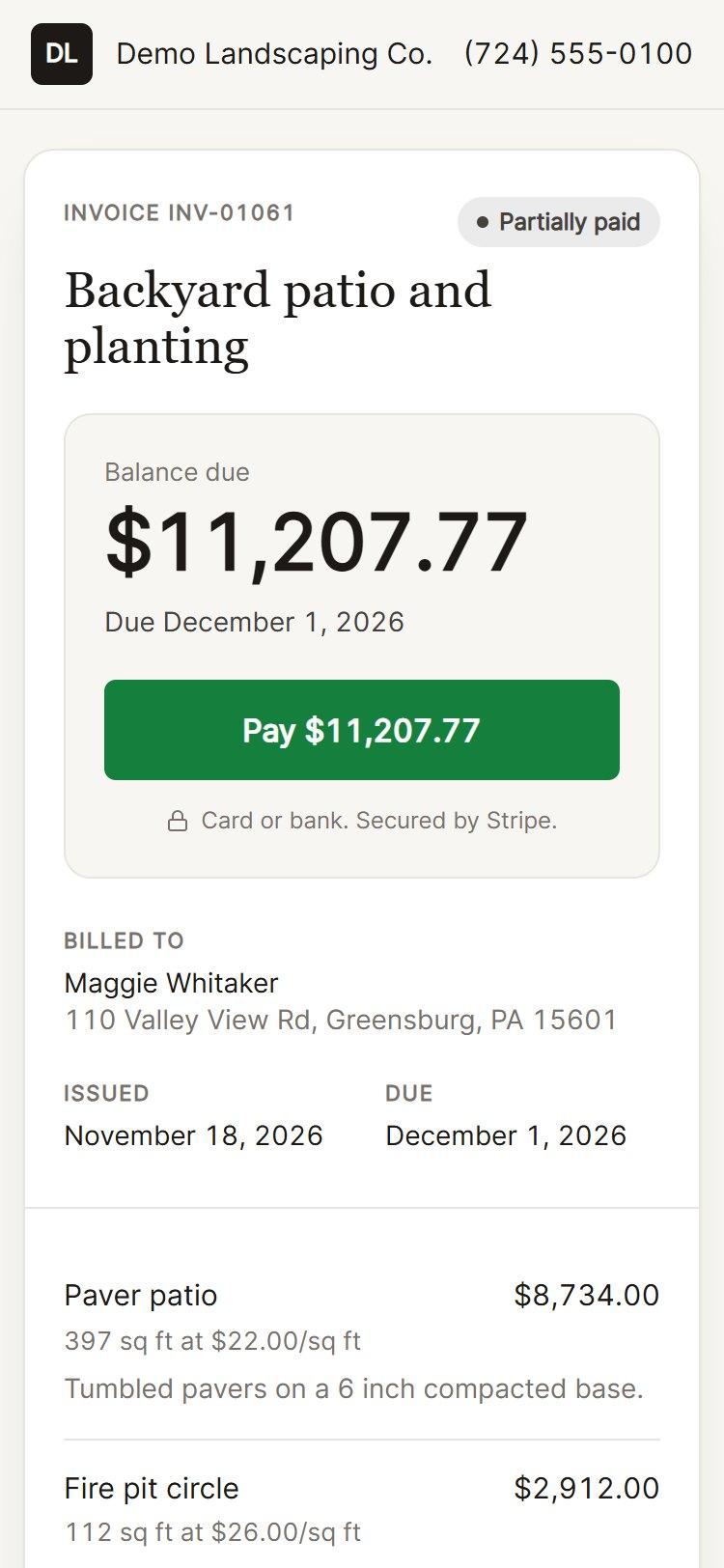
How it works
Four steps. One record of the job.
The estimate, the job, the invoice and the payment are the same record moving forward, so the numbers always match.
Send the estimate
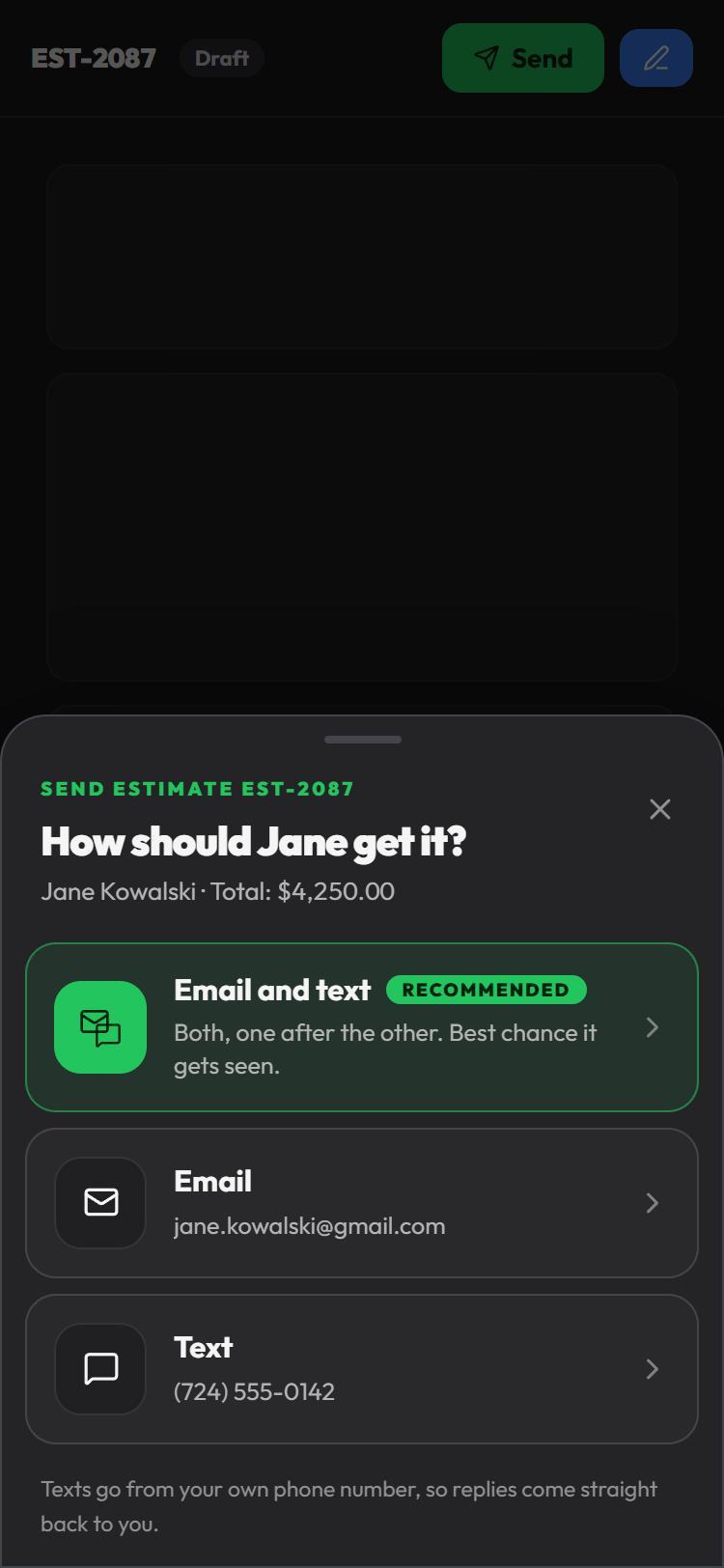
Build it from your price book, add a drawing of the job if you have one, and send it by email, by text, or both. Texts go from your own number, so replies come back to you.
- Good, better, best options and optional add-ons
- A scope of work the customer can actually read
- You see the moment they open it, and for how long
They approve and pay the deposit
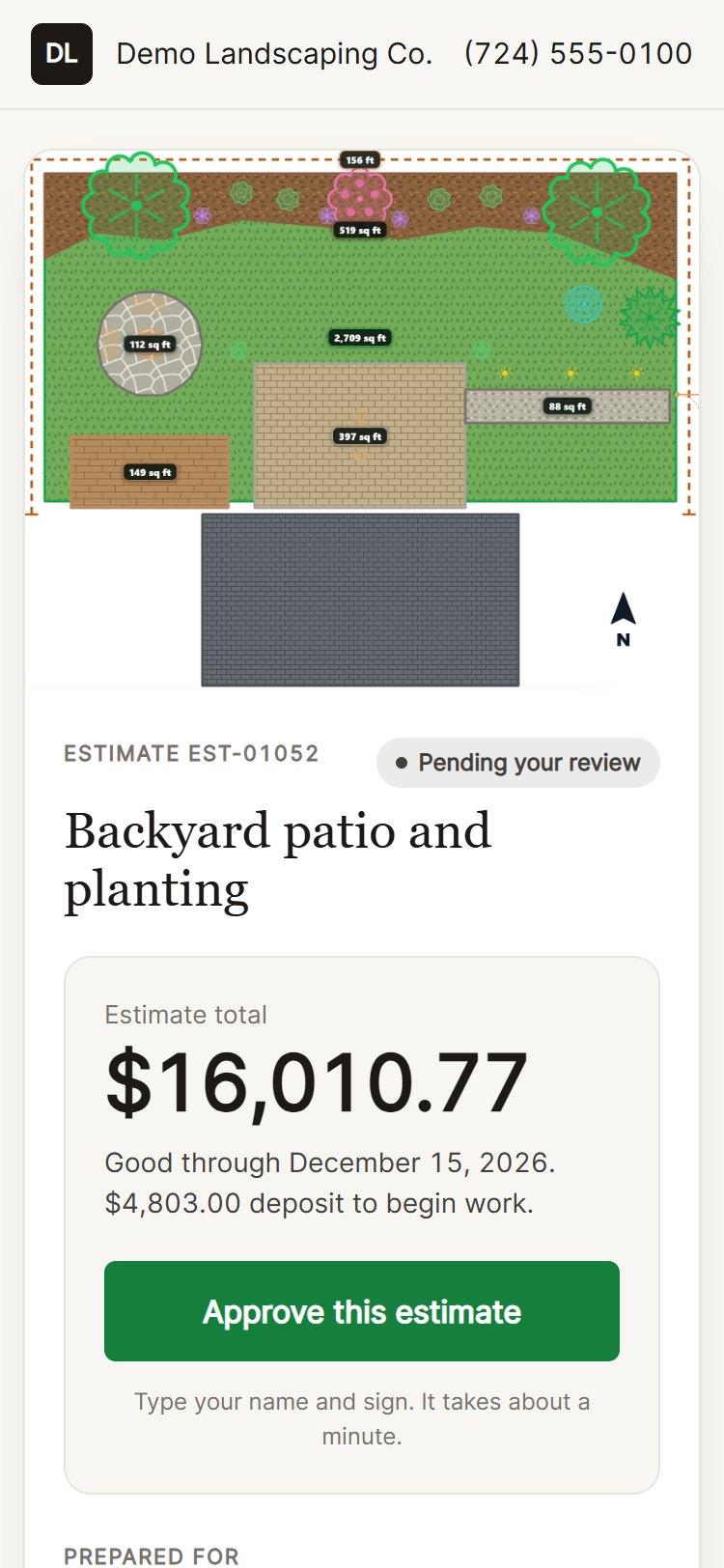
The customer opens a clean page with your name on it, on their phone. They type their name to sign, and if you ask for a deposit they pay it right there.
- E-signature with the date and name recorded
- Deposit by card or bank through Stripe
- Sign in person on your tablet when you are standing in the driveway
Send the invoice
The approved estimate becomes the job, and the job becomes the invoice in a tap. Nothing is retyped. The deposit already paid is taken off the balance.
- Net terms and due dates
- Recurring invoices for maintenance and service plans
- Saved terms you pick from a list instead of typing again
Get paid
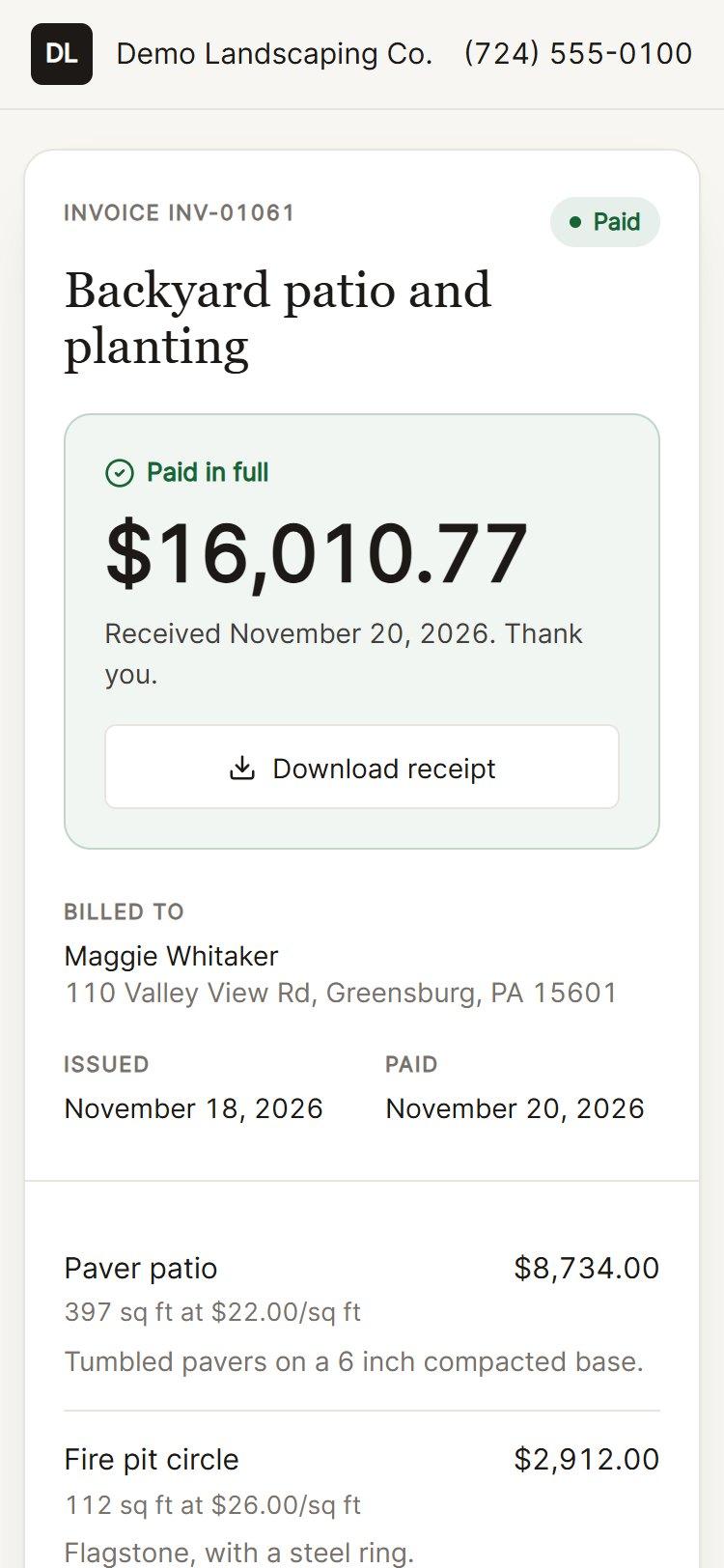
The customer taps Pay and uses a card, Apple Pay or their bank account. The invoice marks itself paid, they get a receipt, and the money lands in your bank account through your own Stripe account.
- Card, Apple Pay and bank (ACH) payments
- Every payment listed with the fee and what you net
- Partial payments tracked against the balance
Money and books
Your money, your bank, your books.
Payments through Stripe
Connect your own Stripe account in a few minutes. Customers pay you directly and Stripe pays out to your bank. Limitless never holds your money.
- Card, Apple Pay and bank (ACH)
- Paid straight to your own bank account
- Your own Stripe dashboard, in your name
- Every payment listed with its fee and your net
Books in QuickBooks Online
Built and in testing now. Once it opens, you connect QuickBooks Online once and your books keep up on their own. No exporting, no typing invoices in twice.
- Customers, invoices and payments sent to QuickBooks
- Runs on its own through the day, or on demand
- One way, from Limitless to QuickBooks, so your books are never changed behind your back
- A log of everything that was sent
The details
The small things that get you paid faster.
Know when it was opened
See when a customer opens an estimate or invoice and how long they looked, so you call at the right time.
No app for the customer
A link by text or email. They approve and pay from any phone, with no account to create.
Your name on it
Your logo, colors, license number and reviews on every estimate and invoice.
Recurring invoices
Bill maintenance and service plans on a schedule without rebuilding the invoice each time.
Links you control
Every link is signed and can be turned off. Customers can ask for a change instead of calling.
A clean record
The signature, the deposit, the invoice and the payment all sit on the same job and the same customer.
Questions
Straight answers about the money.
Where does the money go?+
To your own bank account. You connect your own Stripe account, customers pay you directly, and Stripe pays out to your bank. Limitless does not hold your money.
What does it cost to take a payment?+
Stripe charges its standard processing fee on each payment, and you see the fee and the net amount on every transaction. Sending estimates and invoices is part of your Limitless plan.
Can customers pay from their bank instead of a card?+
Yes. If you turn on bank payments, customers can pay by ACH from their bank account. Bank payments take a few business days to clear, and the invoice shows that it is processing until they do.
Do my customers need an account or an app?+
No. They get a link by email or text, open it on any phone or computer, and approve or pay from there.
Can I take a deposit before the work starts?+
Yes. Set a deposit on the estimate and the customer pays it when they approve. It is taken off the invoice balance later.
Does it work with QuickBooks?+
QuickBooks Online sync is built and in testing: customers, invoices and payments go to your books on their own, one way from Limitless to QuickBooks. It opens to accounts once Intuit approves the connection. Ask us and we will tell you where it stands.
Can I still take a check or cash?+
Yes. Mark an invoice paid by hand and it is recorded the same way.
Stop chasing checks.
See an estimate go out, get signed and get paid in a 15-minute demo.
Stripe and QuickBooks are trademarks of their owners, Stripe, Inc. and Intuit Inc. Limitless is not affiliated with or endorsed by either company.